
Introduction
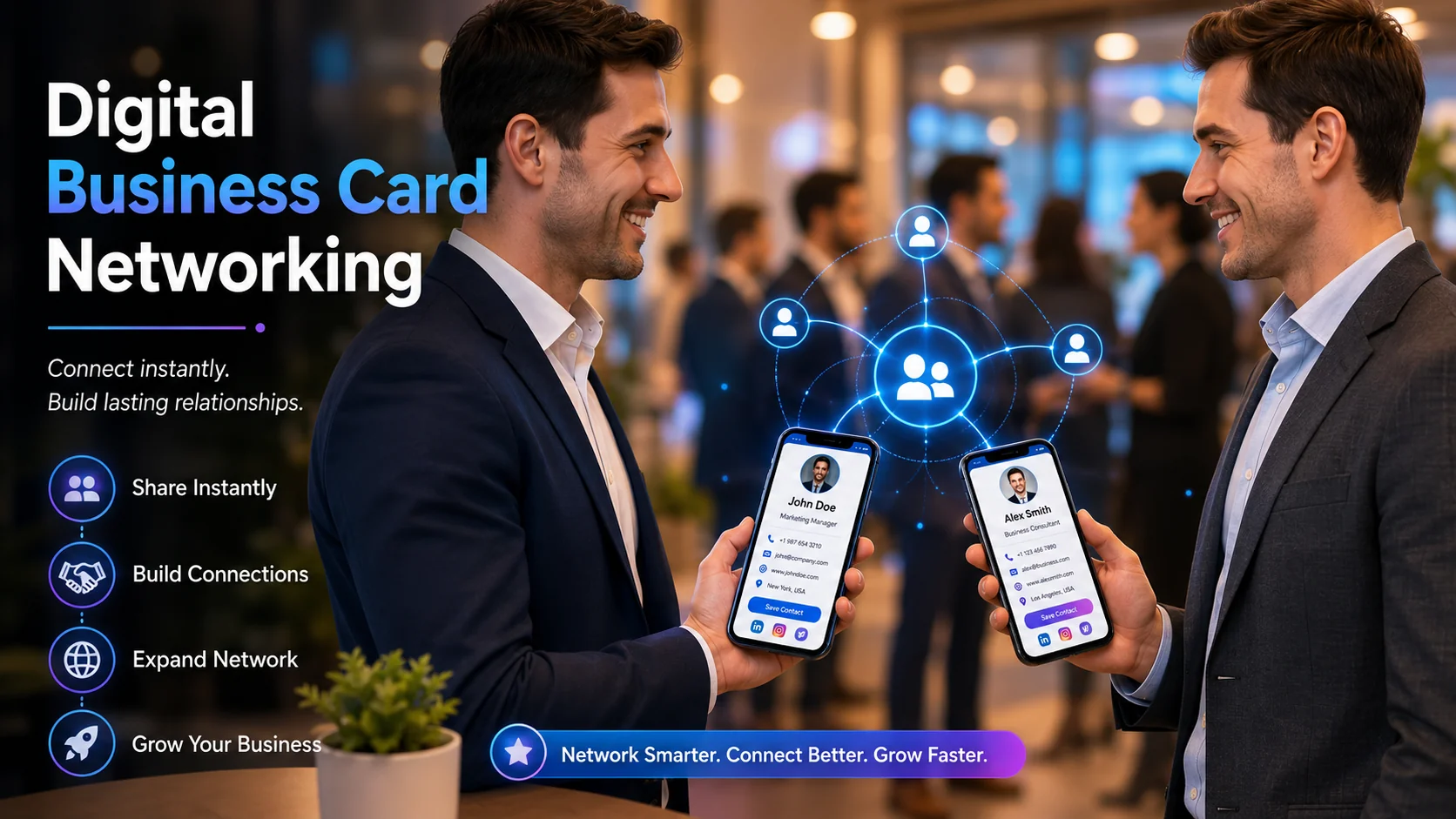
Digital business cards are changing the way professionals connect. Instead of handing over a traditional paper card, you can instantly share your contact information using a QR code or a simple link.
While this technology offers speed and convenience, many businesses make simple mistakes that reduce trust and create a poor first impression. Small issues like broken links, outdated information, or difficult sharing methods can affect networking opportunities.
In this guide, we'll explore seven common mistakes businesses make with digital business cards and explain practical ways to avoid them.
"Your digital business card is often your first impression. Make it simple, professional, and easy to use."
1. Forcing People to Download an App
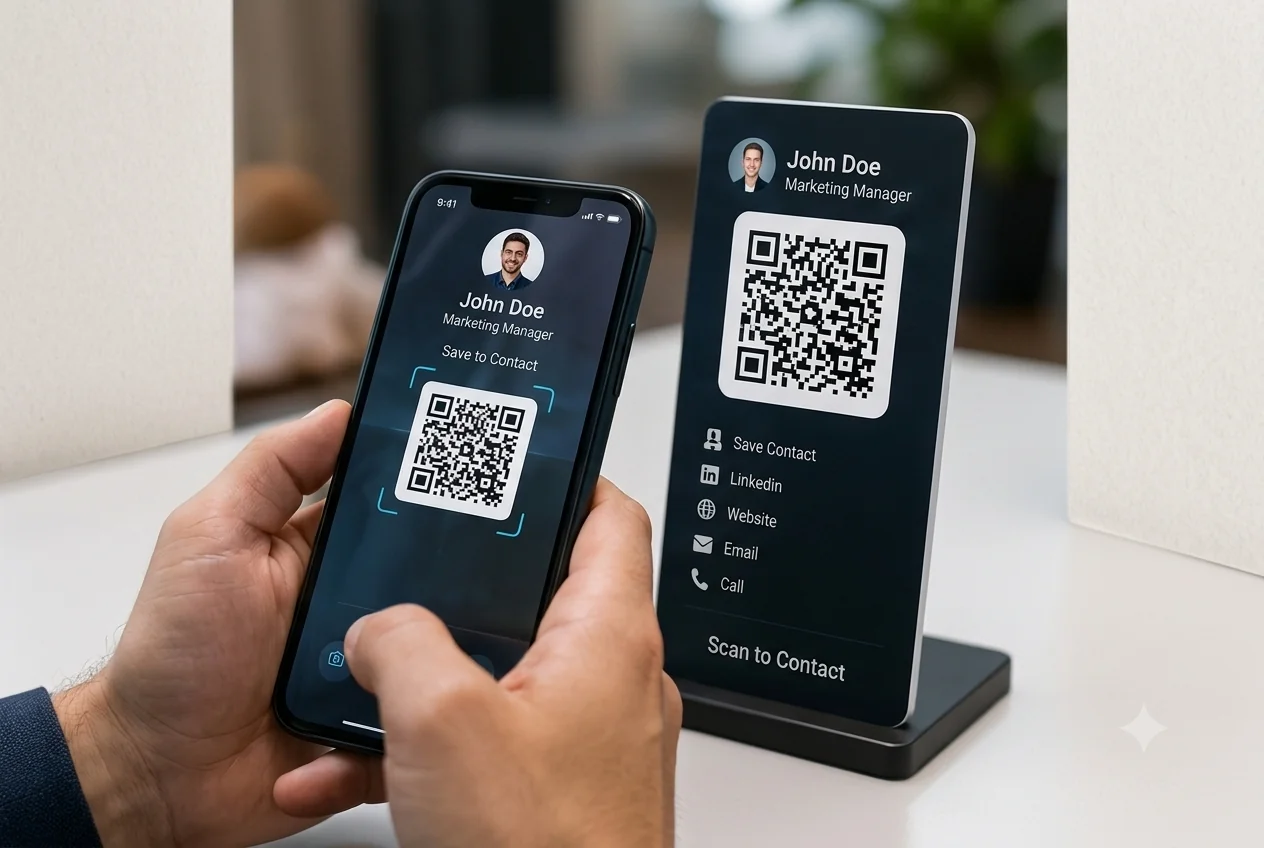
One of the biggest mistakes businesses make is requiring users to install a third-party application before they can access a digital business card.
Every additional step creates friction. If someone has to download an app just to view your contact details, many people will simply leave instead of continuing.
Best Practice
Use a web-based digital business card that opens instantly in any mobile browser without requiring downloads.
2. Using an Unprofessional URL
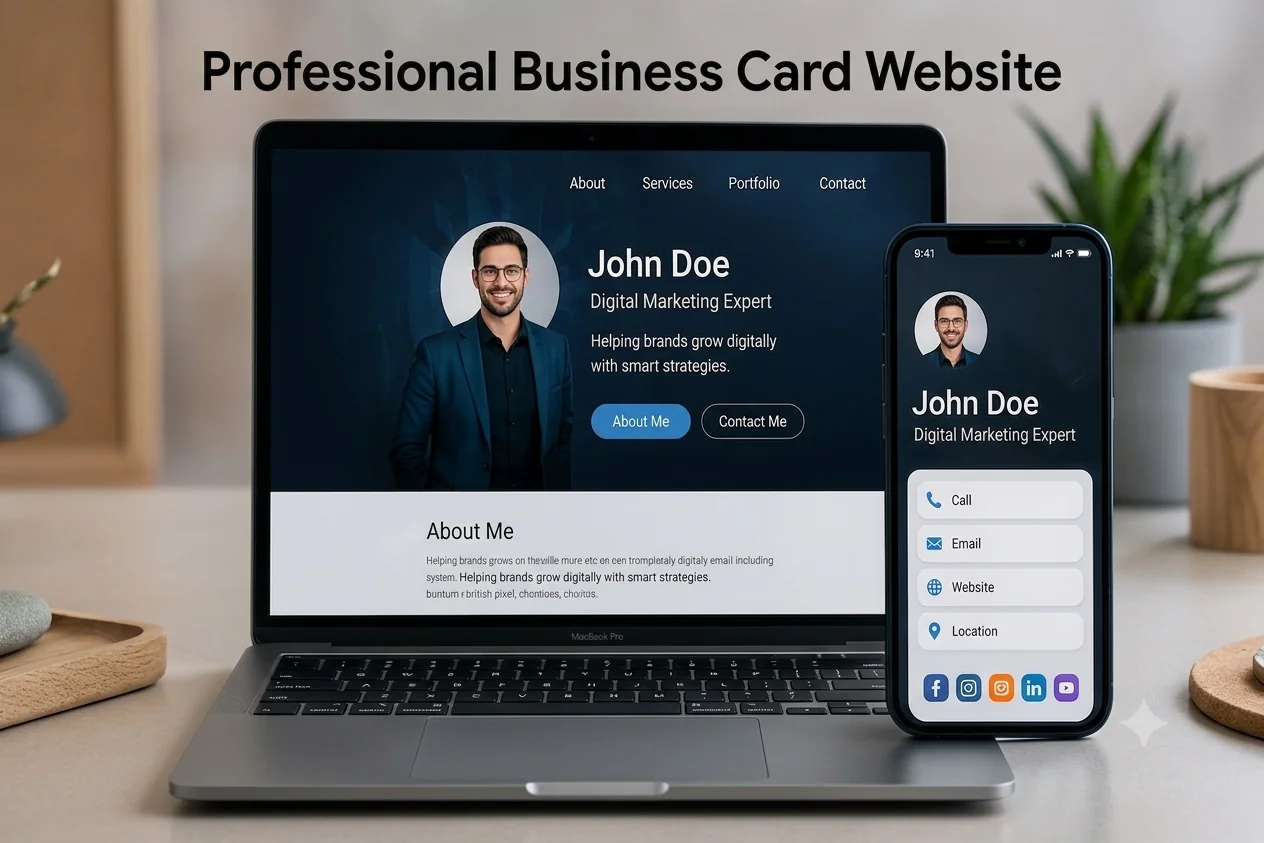
Your URL represents your brand. Long, confusing, or random links may reduce trust and make your digital profile appear less professional.
Whenever possible, use a custom branded domain that reflects your company identity. A clean and recognizable web address builds confidence and strengthens your brand image.
Avoid This
Free subdomains filled with random numbers or unnecessary characters can make your profile look unreliable.
3. Treating It Like a Static Image
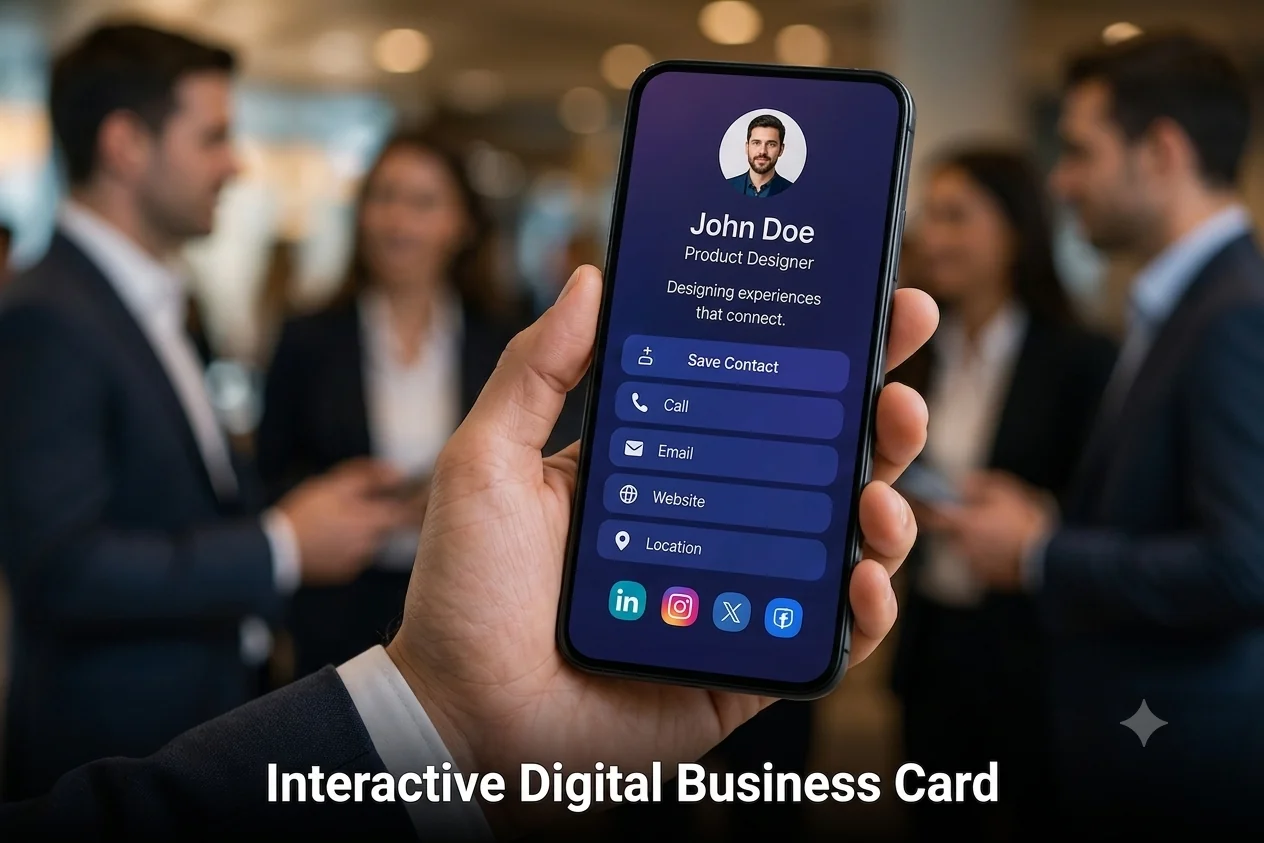
A digital business card should do much more than display your contact information. Many businesses simply upload an image of their printed business card, missing the opportunity to provide an interactive experience.
Your digital profile should allow visitors to call, email, save your contact details, visit your website, schedule meetings, and connect on social media with a single tap.
Best Practice
Include clickable contact information, social media links, maps, appointment booking, and downloadable contact details.
4. Completely Replacing Physical Business Cards
Although digital business cards are becoming increasingly popular, relying only on digital sharing isn't always the best solution.
Networking events, exhibitions, and business meetings may have poor internet connectivity or attendees who still prefer printed business cards.
A combination of printed cards with QR codes and digital business cards provides the best networking experience.
Pro Tip
Hybrid networking helps you stay prepared in both online and offline situations.
5. Making Contact Saving Difficult
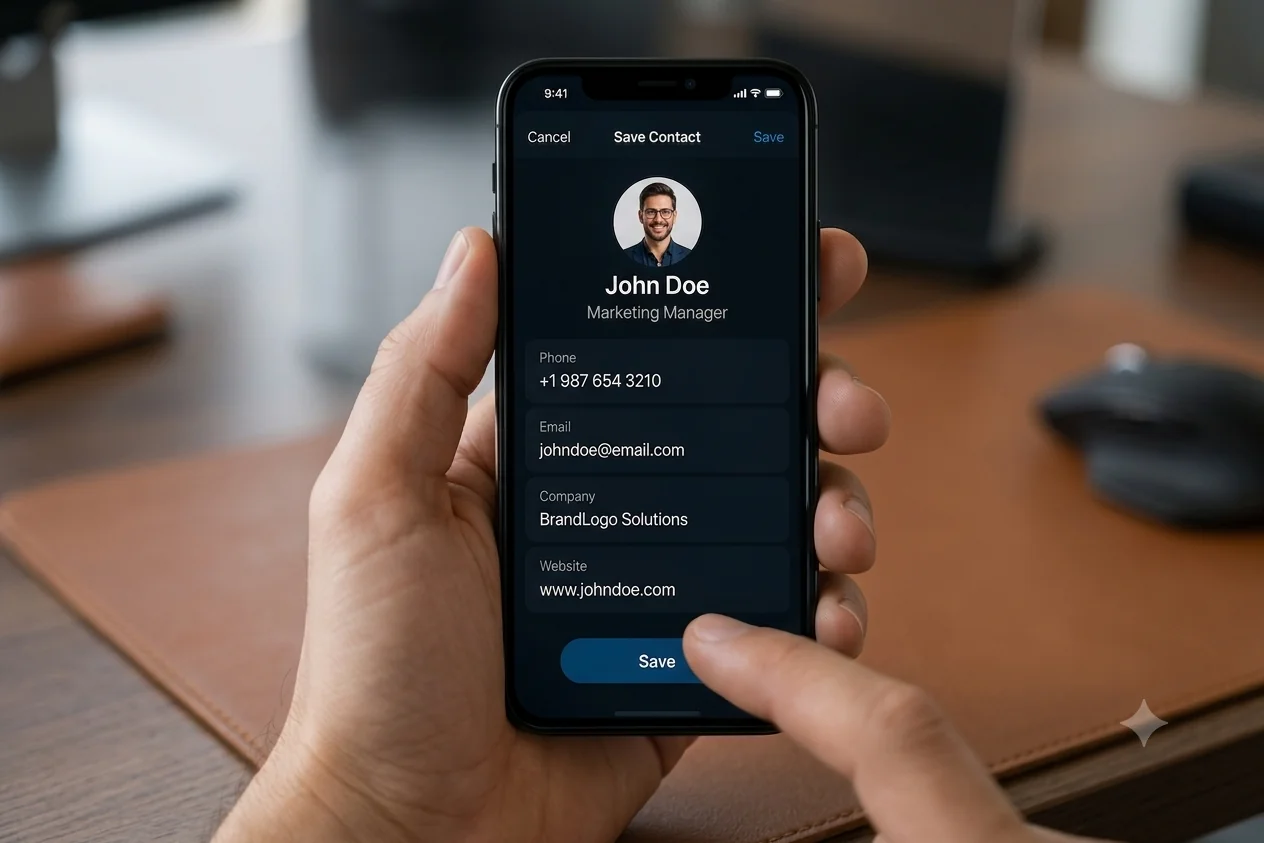
Every extra step reduces the chance that someone will save your information. If visitors need to manually copy your phone number or email address, many simply won't do it.
A modern digital business card should include a one-click option that instantly saves your contact information directly into the user's phone.
Recommended
Add a clear "Save Contact" button that downloads your VCF contact file instantly.
6. Using Low-Quality Profile Images
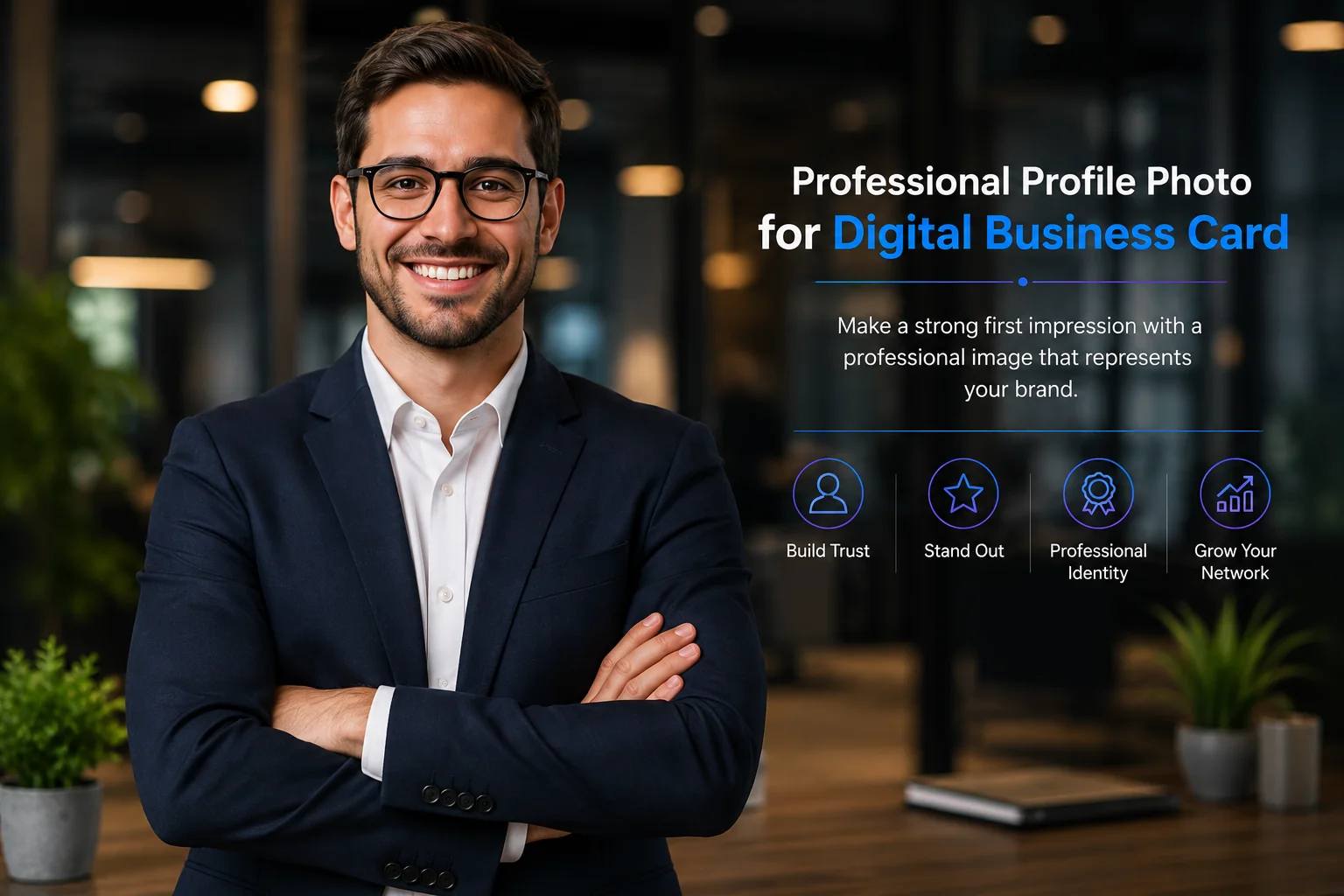
Your profile image is one of the first things people notice. A blurry photo, poor lighting, or an outdated company logo can reduce your professional appearance.
A high-quality profile photo combined with a clean company logo helps create trust and leaves a strong first impression.
Best Practice
Use a professional headshot, high-resolution company logo, and maintain consistent branding across your digital business card.
7. Not Maintaining Brand Consistency Across the Team
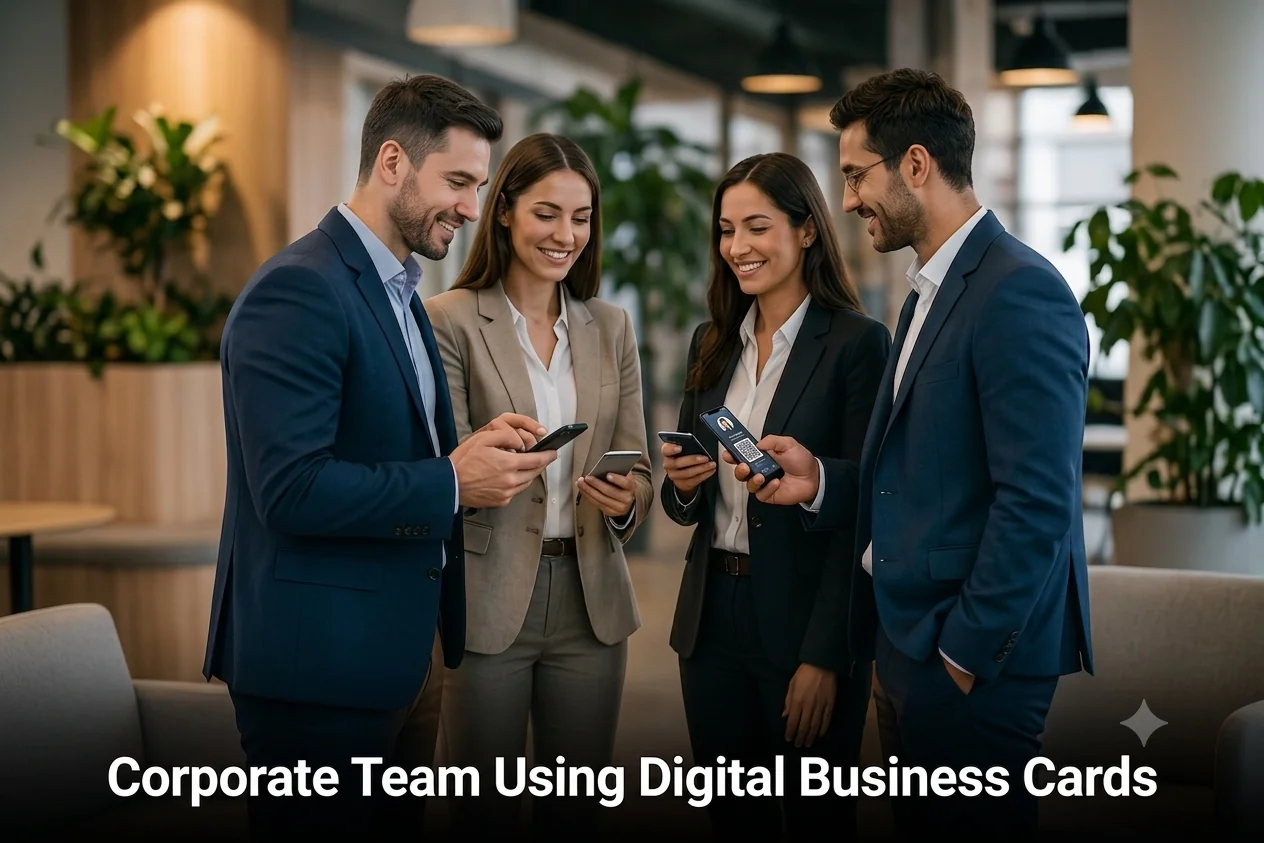
When every employee creates a different business card style, your company branding becomes inconsistent. Different colors, logos, layouts, and outdated information can confuse potential clients.
Businesses should manage employee cards from one centralized platform to ensure every profile follows the same branding guidelines.
Business Tip
Standardized digital business cards improve professionalism, simplify updates, and strengthen your company's identity.
Review Your Digital Business Card Regularly
Check your digital business card at least once a month. Verify that all phone numbers, email addresses, website links, social profiles, QR codes, and booking links are working correctly.
Keeping your information updated ensures every networking opportunity creates a positive and professional experience.
Frequently Asked Questions
Do digital business cards replace printed business cards?
Not completely. Digital business cards are ideal for modern networking, while printed cards remain useful during offline meetings and events.
Can I update my digital business card anytime?
Yes. One of the biggest advantages of digital business cards is that you can update your information instantly without reprinting new cards.
Is a QR code necessary?
A QR code makes sharing faster and easier. Most modern smartphones can scan QR codes without installing additional apps.
Final Thoughts
A digital business card is more than just a modern replacement for a traditional paper card. It represents your brand, your professionalism, and the first impression you leave on potential clients and business partners.
By avoiding these common mistakes, you can create a seamless networking experience that builds trust and helps generate more business opportunities.