
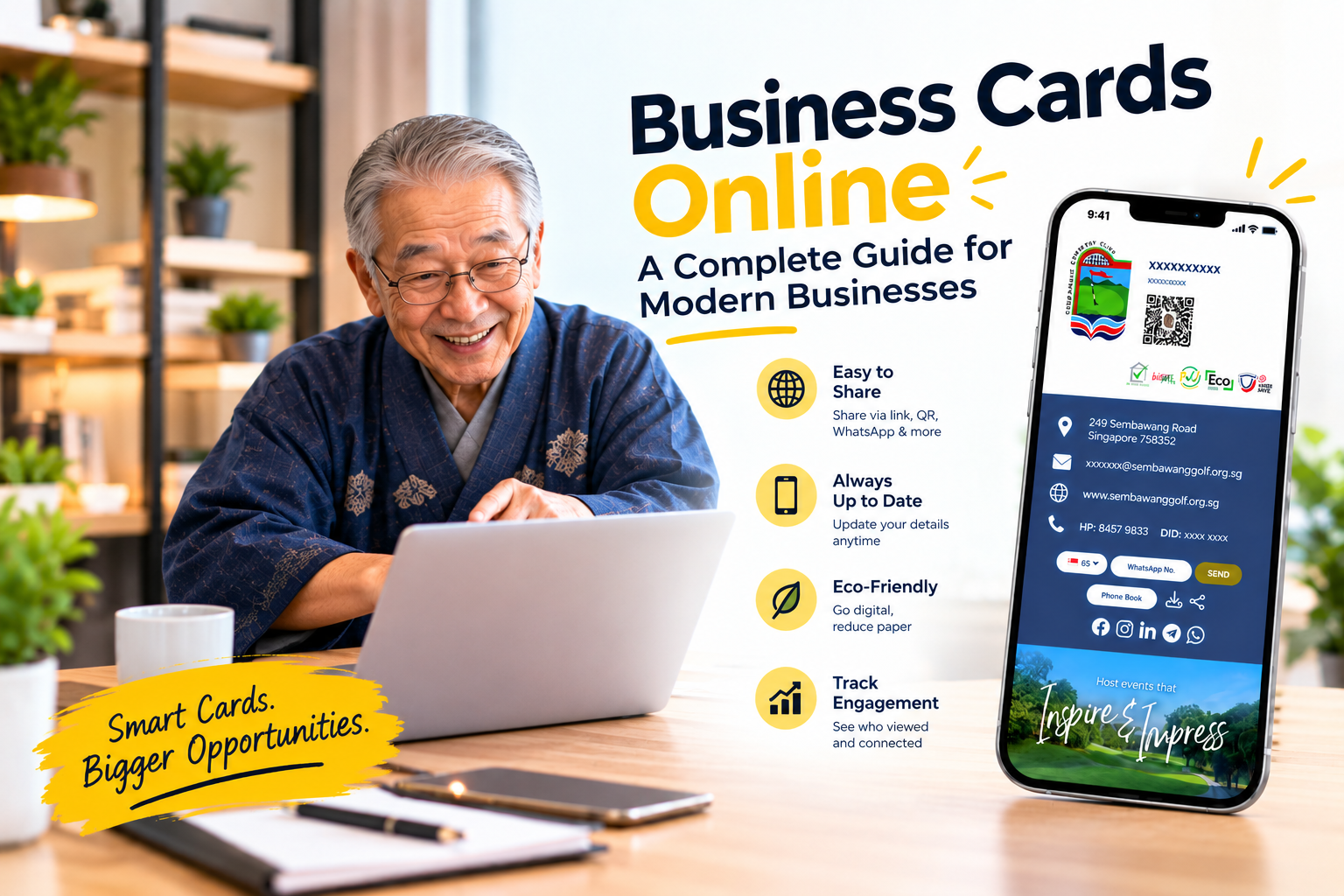

SG Name Card Team
Updated September 2026 · 7 min readPicture This
You have just wrapped up an inspiring keynote at a major industry summit. An executive walks up, thoroughly impressed by your presentation, and asks for your contact details. You pull out your smartphone, open a custom web portal, and display a sleek QR code.
They scan it, and in a fraction of a second your full interactive profile — complete with a high-res photo, your direct phone line, an instant calendar scheduling link and a downloadable product brochure — opens right on their screen. With one tap, your contact card saves directly into their address book.
No bent paper corners. No running out of stock mid-event. No manual data entry errors.
What Does "Business Cards Online" Actually Mean?
When professionals talk about managing business cards online, they generally refer to two interconnected systems:
Digital Card Platforms
Cloud software to design, edit and host interactive profile cards. They live on custom URLs and share instantly via QR code or web link.
Web-to-Print Portals
Design tools to customise premium physical cards online — QR code embedded — printed on demand and shipped straight to the office.
The most effective modern networking strategy unifies both into a single, seamless workflow:
Core Advantages of Moving Your Name Cards Online
If your company relies entirely on traditional print runs, your networking pipeline contains hidden friction points that quietly drain time and money. Here is why forward-thinking organisations are switching:
Current
Instant Real-Time Updates
When a team member gets promoted, changes extensions or relocates offices, you log into the admin dashboard and update the field. Every future scan or saved link reflects the newest details — no expensive reprints.
Paper
Rich Interactive Media
Unlike a 3.5-inch piece of paper, an online card landing page acts like a compact personal website — embed 1-tap WhatsApp buttons, video demos, portfolio decks, Calendly booking links and direct LinkedIn profiles.
Pipeline
Automated Lead Capture & CRM Sync
Online card setups feature two-way lead capture forms. When a prospect views your card they can input their own details, pushing clean data directly into tools like HubSpot or Salesforce.
Digital vs. Hybrid: Finding the Right Setup
| Feature | Pure Paper Cards | Purely Digital | The Hybrid Model |
|---|---|---|---|
| Share Method | Physical hand-off only | QR code, web link, email | QR print + digital hub |
| Data Flexibility | Fixed static text | Unlimited dynamic media & links | Tactile card pointing to live links |
| Editing Ease | Requires expensive reprints | Free, instant dashboard edits | Update digital destination anytime |
| Analytics | Zero visibility | Live tracking on views & clicks | Track scans from physical card |
| Ideal For | Traditional paper holdouts | Remote teams, virtual events, tech | High-stakes B2B sales, executives |
4 Key Steps to a Successful Online Card Strategy
Save
Prioritise the One-Tap Save
Ensure your platform features a prominent, unmissable "Save Contact" button that downloads a complete Virtual Contact File (VCF) in a single click.
Access
Ensure Zero App Dependencies
Never force prospective clients to download an app or create an account. Your card must load instantly in standard mobile browsers like Safari or Chrome.
Control
Implement Centralised Admin Controls
Choose a platform that lets HR or marketing set brand colours, lock corporate logos and deploy uniform templates globally from one dashboard.
Offline
Leverage Mobile Wallets for Offline Access
Save your QR code straight to Apple Wallet or Google Wallet so you can display it even inside convention halls with spotty mobile data.
Expert Tip
Treat your online profile like a high-converting sales page. Put a high-quality professional headshot at the top, the "Save Contact" button immediately below, and follow with a single clear call to action — "Book a 15-Minute Intro Call" or "Watch Our 2-Minute Product Demo".
Frequently Asked Questions
Can I order physical cards online that link to my digital card?
Yes. Most modern services let you design custom physical cards — premium paper stock, matte PVC or laser-engraved metal — printed with a unique QR code linking directly to your online profile.
How do I share my online business card during virtual video calls?
Download your QR code image and set it as an overlay on your Zoom, Microsoft Teams or Google Meet virtual background. Participants point their phone camera at the screen to open your profile.
Is contact information secure on an online business card?
Yes. You retain total control over what appears on your public profile. Your card only shares the specific phone numbers, social handles and documents you explicitly choose to publish.
Can I track how many people open my online card?
Yes. Professional platforms provide built-in analytics dashboards to monitor total profile views, individual link click-through rates and event performance.
Continue Reading
Digital Business Card: The Complete Guide to Smarter Networking
A live hub for your professional profile — QR share, one-tap save, and instant updates.
Read More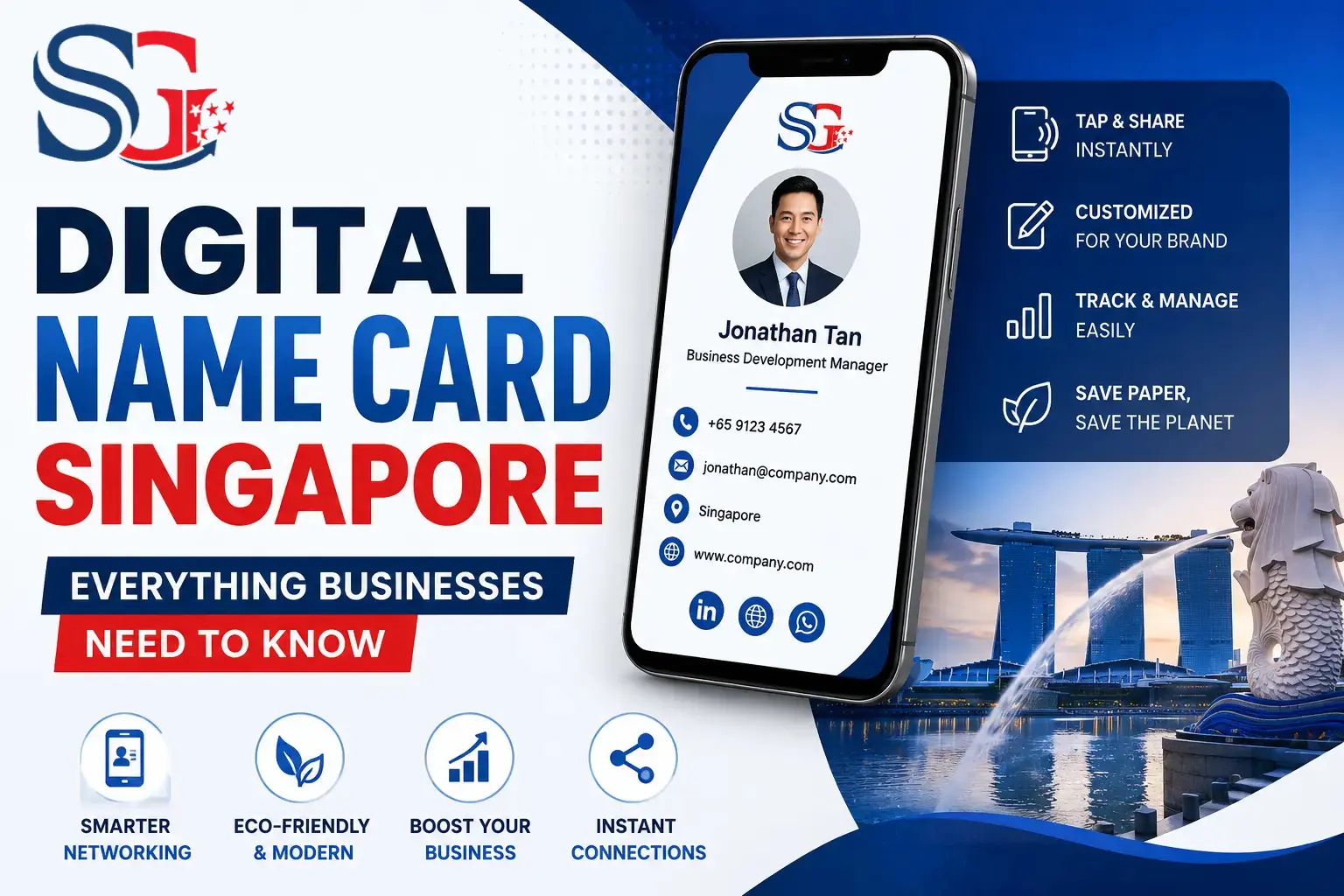
Digital Name Card Singapore: Everything Businesses Need to Know
Everything Singapore businesses need to launch a digital name card program.
Read More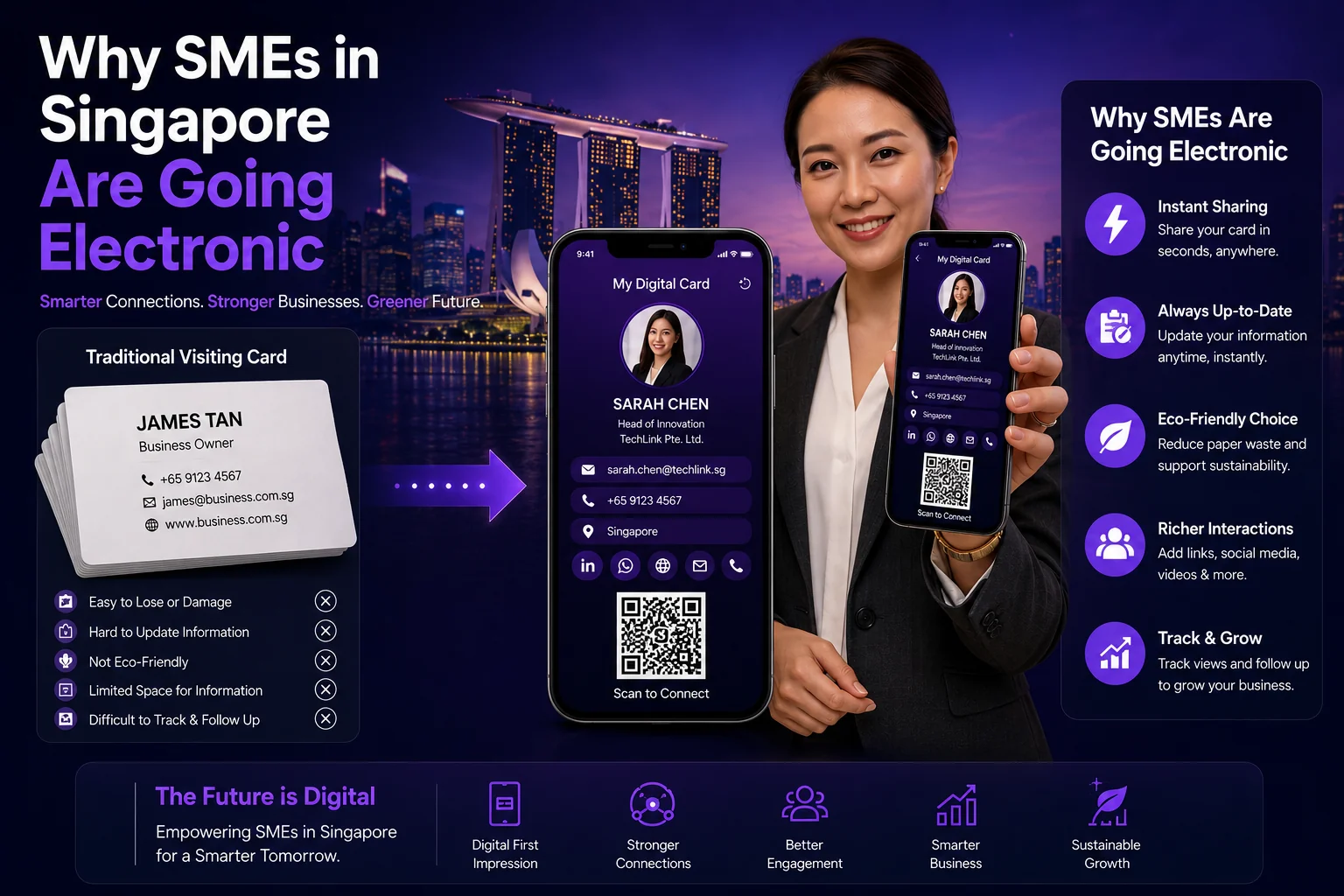
Best Digital Business Card Solution for SMEs in Singapore
Selecting the right digital card platform for growing SMEs.
Read More