
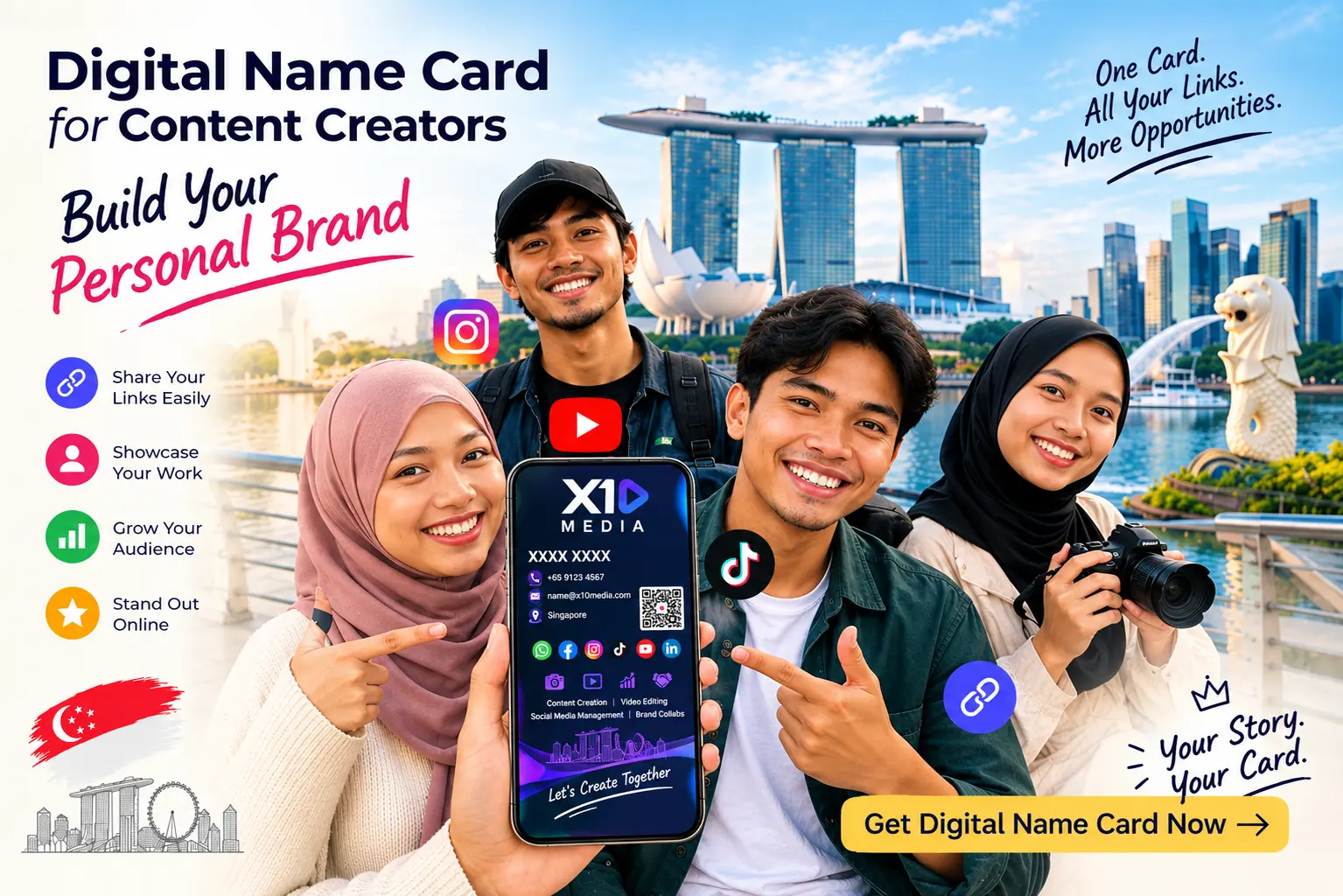
In the fast-paced creator economy of Singapore—where influencers, YouTubers, podcasters, stream hosts, and creative freelancers pitch brands at events from Marina Bay Sands to local studio meetups—first impressions are everything.
Handing out a flimsy paper business card to a potential brand sponsor or agency talent manager feels outdated. A static piece of paper cannot play your latest video reel, showcase your Instagram metrics, or link to your media kit.
Switching to a digital name card changes the game. It transforms a basic handshake into an interactive, multi-media experience that elevates your personal brand and helps you win business on the spot.
1 Why Content Creators Are Ditching Paper for Digital
For modern creators, personal branding is built on visual content and dynamic social proof. Paper cards fail creators in three distinct ways:
✕ Zero Visual Proof
Paper cards cannot display video reels, photo galleries, live stream highlights, or verified channel links. Sponsors are forced to imagine what your work looks like.
✕ Instant Obsolescence
Every time your follower count jumps, your brand deals update, your management agency changes, or your business email shifts, entire boxes of printed paper cards become completely inaccurate.
✕ Friction in Following
Expecting a busy brand executive or talent scout to open their smartphone, open TikTok or Instagram, and manually type your username handle character-by-character leads directly to lost followers and forgotten pitches.
2 Key Features Every Creator Needs on a Digital Name Card
A custom digital business card in Singapore acts as a micro-website tailored specifically for personal branding. Platforms like SG Namecard allow creators to showcase essential assets in one centralized hub:
Instant 1-Tap Links to Primary Channels
Provide direct action buttons for YouTube, TikTok, Instagram, Spotify, LinkedIn, and personal blogs. Potential collaborators can tap once to view your content and follow your profiles immediately.
Embedded Media Kits & Pitch Decks
Instead of emailing heavy PDF files hours after meeting a brand representative, embed your media kit directly on your profile page. Sponsors can view your target audience demographics, engagement rates, and collaboration packages right on their phone screen.
Direct Booking & Business Inquiries
Integrate direct 1-tap WhatsApp chat buttons, booking calendars (like Calendly), or direct email links so brand managers can schedule collaboration calls or request rate sheets on the spot.
Video & Portfolio Embeds
Show, don't just tell. Embed your top YouTube video, latest podcast episode, or creative showreel right inside your profile interface without directing users away.
3 Content Creator Feature Comparison: Paper vs. Digital Name Cards
| Feature / Capability | Traditional Paper Card | Digital Name Card |
|---|---|---|
| Media Capability | Plain printed text | Embedded videos, reels, & audio |
| Social Media Sharing | Printed handles (Manual typing) | 1-Tap direct channel access |
| Media Kit Access | None | Direct downloadable PDF / Live Link |
| Data Flexibility | Static text (Requires reprint) | Unlimited live profile edits |
| Networking Speed | Slow follow-up | Instant native contact save (VCF) |
4 5 Practical Steps to Optimize Your Creator Card for Maximum Impact
5 Conclusion
As a creator, your personal brand is your greatest business asset. Upgrading to a paperless business card gives you a sleek, interactive tool to pitch sponsors, grow your community, and make lasting connections across Singapore’s media landscape.
Take your personal brand to the next level by building your creator profile on SG Namecard today!
6 Frequently Asked Questions (FAQs)
Q1: Can I link my media kit and rate sheet to my digital name card?
Yes! You can link downloadable PDF media kits, Google Drive folders, or interactive web pitch decks directly to your profile buttons for instant access.
Q2: Does a brand manager need a special app to view my creator profile?
No. Tapping your card or scanning your QR code opens your creator profile instantly in any standard mobile browser (Safari, Chrome) without downloading any extra app.
Q3: How often can I update my social links and statistics?
You can update your profile link, follower counts, and bio anytime through your online account dashboard with zero reprinting fees and instant synchronization.
Q4: Is a digital business card suitable for freelance video editors and podcasters?
Absolutely. Freelancers can embed showreels, Spotify podcast links, and client testimonials to pitch prospects during live events.