

SG Name Card Team
Updated October 2026 · 6 min readContents
Exchanging contacts at Singapore networking events—from casual coffee meetups at Raffles Place to high-volume expos at Marina Bay Sands—is only the first step in the sales funnel. Getting someone to scan your dynamic QR code or tap your card is great, but a profile view alone doesn't pay the bills.
If prospective clients view your card and leave without taking action, your networking ROI stalls.
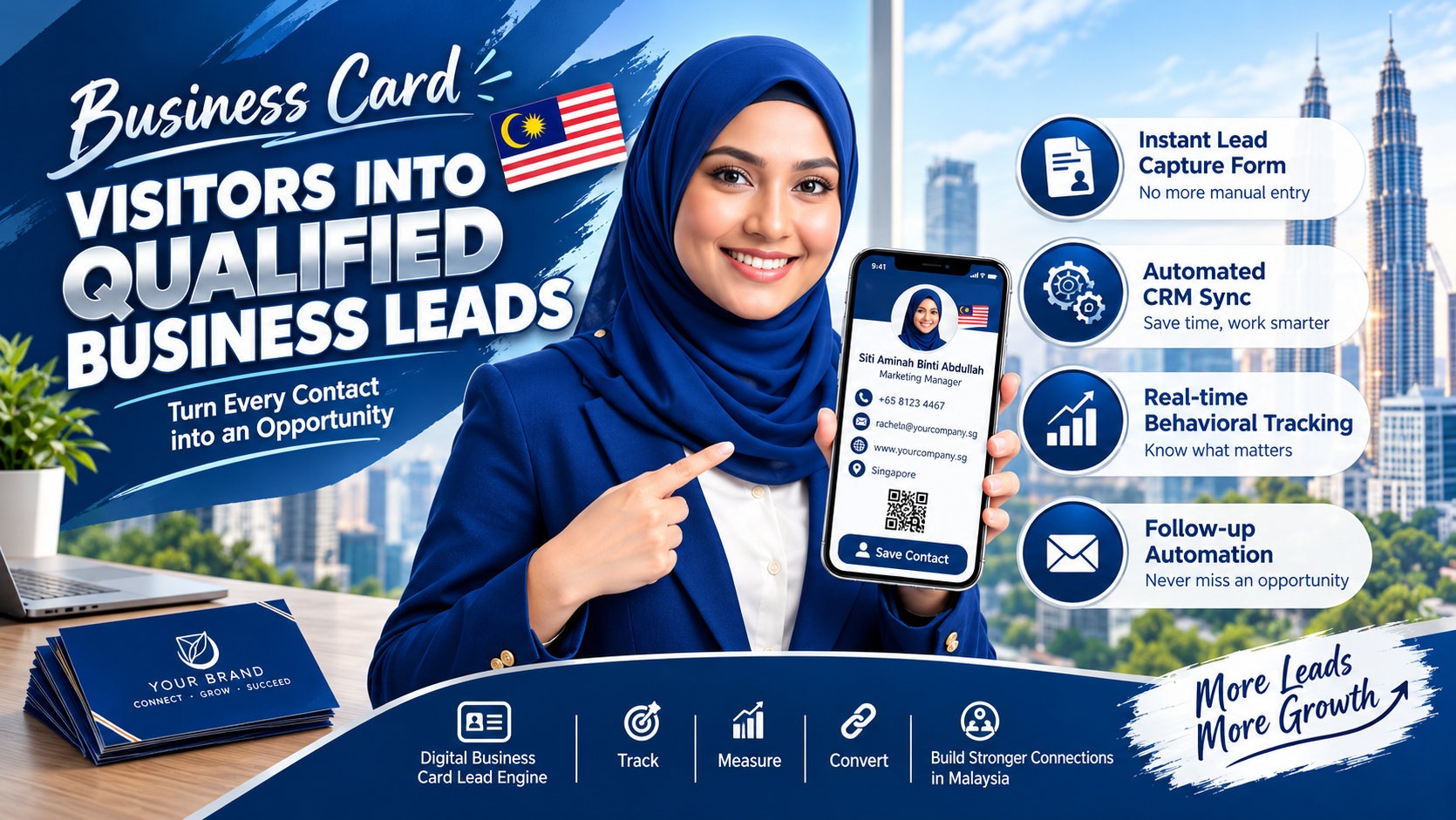
To build a high-converting pipeline, modern sales teams and entrepreneurs use their digital business card in Singapore as an active lead capture tool. Here is a step-by-step strategy to turn passive card visitors into qualified business prospects.
Place a Single, High-Intent Call-to-Action (CTA) Above the Fold
A common mistake professionals make is cluttering their digital profile with ten different social links, three phone numbers, and multiple websites. When everything competes for attention, visitors get overwhelmed and close the page.
To convert visitors into leads, design your card layout like a high-converting landing page:
- Primary Action Put an unmissable "Save Contact" (VCF download) button at the very top.
- Secondary Action Right below, place one clear, high-intent action button tailored to your conversion goal—such as "Book a 15-Min Intro Call" or "Request a Quote."
Embed an In-Line Lead Capture Form
Relying on prospects to email you back after looking at your card results in lost opportunities. Modern platforms like SG Namecard feature built-in lead generation forms directly on the profile interface.
When a prospect views your smart business card, a two-way exchange prompt can ask for their details in return.
Keep the Form Short:
Limit form fields to Name, Work Email, and Phone Number/WhatsApp. Asking for too much information during an initial handshake creates friction and reduces completion rates.
Offer an Immediate Value Exchange (Lead Magnet)
Why should a prospect leave their contact details on your profile? Give them a compelling reason right on the spot:
Embed a downloadable PDF brochure, whitepaper, or rate card that unlocks after they submit their email.
Include a link to view an exclusive property listing video or market breakdown report.
Add a 1-tap button to start a free trial or access a 2-minute product demo reel.
Automate Immediate Follow-Ups with CRM Integration
Speed to contact determines whether a lead converts or goes cold. Manually copying contact data from loose notes into a spreadsheet days after a conference is inefficient.
A digital name card ecosystem connects directly to your company's CRM (e.g., HubSpot, Salesforce, or Zoho). When a visitor submits their details via your card's lead form, their profile pushes instantly into your sales pipeline, triggering an automated email or WhatsApp message while the conversation is still fresh.
Key Strategies to Qualify Card Visitors
Here is how a passive digital contact card compares against a high-converting, lead-optimized profile:
| Profile Strategy | Passive Card Approach | Lead-Optimized Digital Card |
|---|---|---|
| Call-to-Action | Generic list of social links | Single high-intent CTA (e.g., Book Meeting) |
| Data Collection | One-way contact exchange | Two-way lead capture form |
| Follow-Up Process | Manual entry days later | Instant automated CRM sync & follow-up |
| Value Presentation | Static job title & phone line | Video demos, PDF decks, booking links |
Track Engagement Analytics to Focus on High-Intent Leads
Not all profile visitors are equal. Real-time analytics dashboards allow you to identify high-intent leads based on their activity:
Use these insights to prioritize direct sales outreach to prospects who actively engaged with your high-value content.
Conclusion
Your digital business card shouldn't just sit there as a digital resume—it should function as an active sales engine. By refining your call-to-action, embedding a friction-free lead capture form, and automating CRM follow-ups, you can turn every networking interaction into a qualified business opportunity.
Frequently Asked Questions (FAQs)
Q1: How does a digital business card capture lead information?
Digital business cards feature two-way lead capture forms. When a prospect opens your card, they can input their contact details, which save straight into your account dashboard or connected CRM.
Q2: What is the best call-to-action (CTA) for a digital name card?
The best CTA depends on your business model. For service providers, "Book a Consultation" works best; for product companies, "Download Catalog" or "Watch Demo" yields the highest conversion rates.
Q3: Can digital card lead capture forms sync directly with HubSpot or Salesforce?
Yes. Enterprise platforms like SG Namecard support CRM integrations and CSV exports, allowing sales teams to log leads directly into their workflow.
Q4: How many fields should be on a digital card lead form?
Keep it to 2 or 3 fields maximum (Name, Email, Phone/WhatsApp). Short forms yield significantly higher conversion rates during fast-paced networking.